| Gemma Bonham-Carter |
AI + online marketing / thursdays |
| Issue 08 |
October 22, 2026 |
|
Alright, I kind of have an announcement to make.
There’s no fanfare or big launch party, but, I’m bringing back my Youtube channel!
The back story: I made a half hearted attempt to publish to YouTube a few years ago, but when my family and I moved to France in 2023/2024, I stopped filming. And when we moved home to Canada, it just never made it high up on the priority list.
But, things look different today.
Now that Claude has given me back so much whitespace in my calendar (and made video editing WAY easier), I’m inspired to film again.
Heck, I might even bring back my podcast! I have lots to share and time to actually share it now!
My Youtube channel still has the old banner, nothing is updated in the “about” section, and it looks a bit like a ghost town. But who cares?! I’m not going to get stuck in perfection or analysis paralysis… we’re just doing the thing.
Publishing. Putting in the reps. Getting better as we go.
Want to make my day? Subscribe to the channel here. That would be so dope.
Now, onto the AI and marketing news you need to know this week!
|
| |
| In this email |
| [ 01 ] |
AI-made carousels for Instagram can look cheap. Here’s how I’m making mine with Claude and Canva |
| [ 02 ] |
Talking to AI feels awkward at first, but your spoken ideas are the unfiltered ones, and Wispr Flow catches every one of them |
| [ 03 ] |
A wave of apps wants a monthly fee to read your kid’s school emails. The AI you already pay for can do it |
| [ 04 ] |
Google is retiring Gems for skills, and this time you get until 2027 to move your instructions |
|
| 🔥 The big one |
01 |
Claude + Canva: How I’m making Instagram carousels that actually look (and sound) good
|
|
|
If you’ve ever opened Canva to make 1 carousel and looked up an hour later with 2 slides done, you know exactly where the time goes. Writing the hook, writing the slides, hunting for a photo that fits, nudging text boxes around until nothing overlaps.
I don’t do any of that by hand anymore.
Getting here wasn’t pretty, though. My first tries at AI carousels suuuucked. Wrong colors, tiny text, boxes that needed resizing, and just bad design. Plus it was SLOW.
I tried Canva’s bulk edit (ok, not great). I tried Claude Design (too AI-ish). I tried a bunch of different prompts with the Claude and Canva connector. Major trial and error.
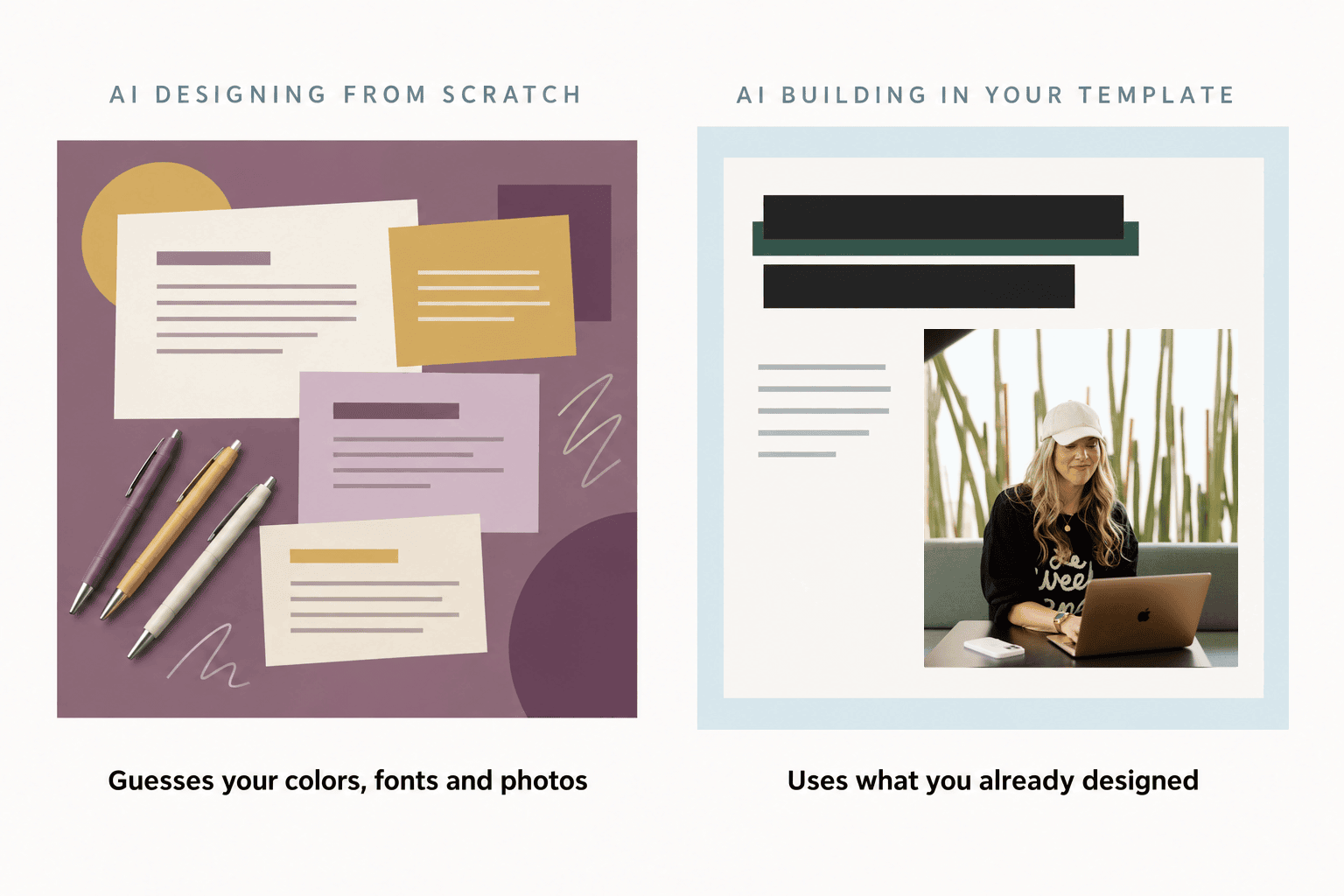
Then it clicked. AI carousels look cheap when the AI designs from scratch, because it has to guess. Your colors, your fonts, your layout, your photos. Every one of those is a guess it can get wrong.
So I stopped making it guess. Claude now works from 4 things I already had:
|
| • |
My Canva template, designed once with my fonts, colors and layout |
| • |
A folder of photos from my brand shoot, for the cover slides |
| • |
A folder of stock photos for everything else |
| • |
The Canva connector turned on in Claude, so it can copy my template and fill it in |
|
|
From there, 4 Claude skills do the work. (A skill is a set of instructions you give Claude once, so it does a specific job well every time without you re-explaining it.) One writes hooks, one structures the slides, one is my brand book so it all sounds like me, and one holds my Canva production rules, like sizing the highlight bar to fit the text and always working on a copy so my original template never gets touched.
(Just a reminder, all of these exact skills and setups are inside my program, AI All Stars.)
I typed 1 prompt and got back 5 finished carousels for my 2-Hour Brand Book, each with a different hook angle. That matters more than you’d think, because posting the same pitch 5 times in a row gets ignored.
Want something you can use today? Steal the structure. Every one of them is 3 slides:
Slide 1: the hook. It’s the only slide that matters if nobody swipes.
Slide 2: the payoff. It closes the loop the hook opened, fast, so people keep going instead of feeling baited.
Slide 3: the ask. Tell people exactly what to do next. Mine says comment BRAND100, my real ManyChat keyword, so these aren’t demo props. They’re posts I can publish.
This week’s blog post has the rest: the exact prompt I typed, what each skill handles, and the 4 things I’d do before your first batch (including the one that saves you from thinking Claude broke when it didn’t 👀).
Because Claude is filling in a template I already love with photos I already own, the results look like I have a designer on retainer instead of like a robot made them.
And yes, they all get auto-scheduled to Instagram straight from Canva and Claude. No copying, pasting, downloading, or uploading required. Want me to record that demo next? ;)
|
|
|
| |
| 👀 Hot take |
02 |
Talking to AI Feels Weird, But It’s Also Where Your Best Ideas Come Out
|
|
|
If you’ve never done it, talking out loud to your laptop feels a little ridiculous at first.
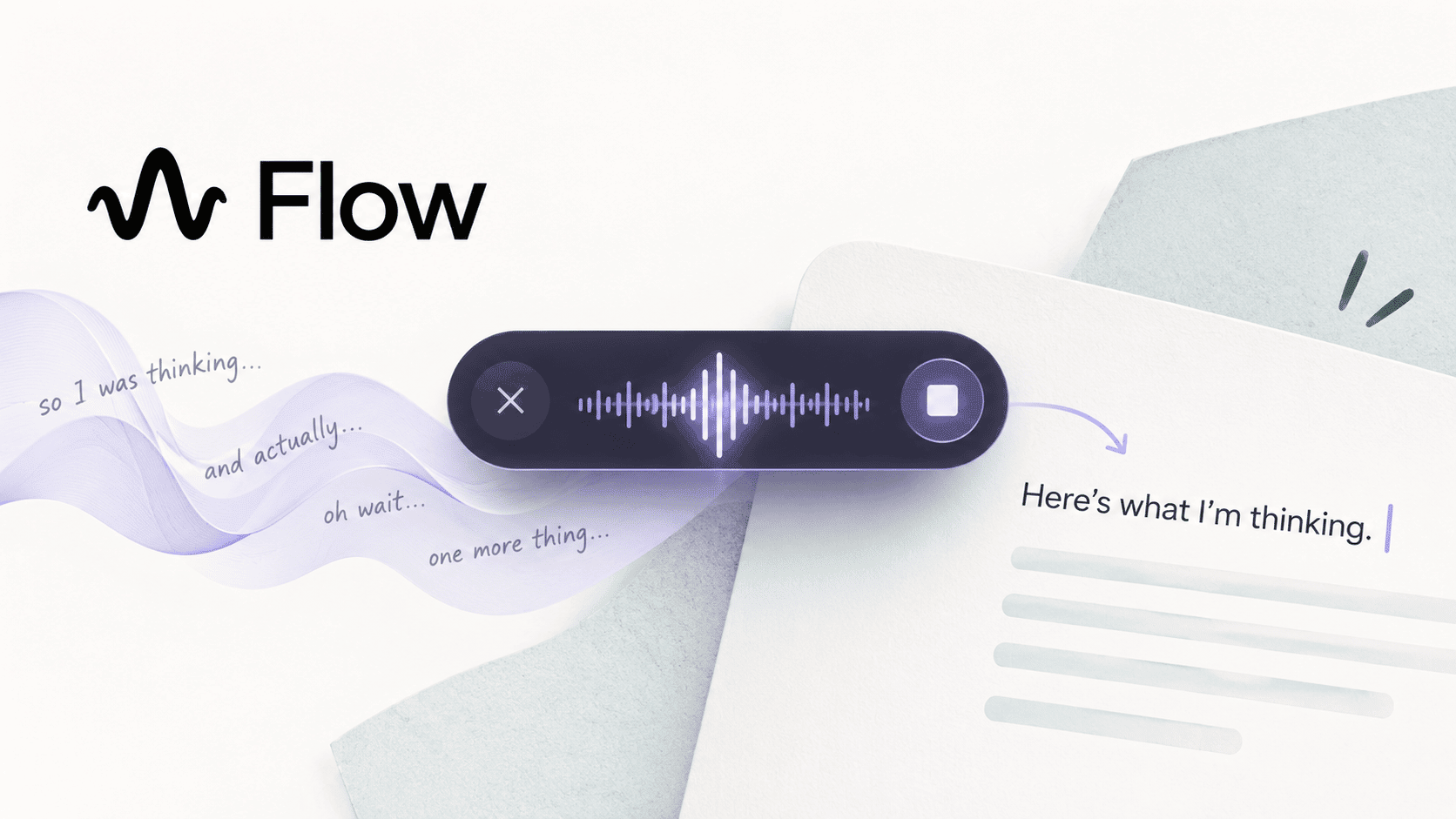
Do it anyway. I use Wispr Flow every single day. If you haven’t heard of it, it’s a voice-to-text app that works anywhere you can type, including ChatGPT and Claude.
Speed is the obvious win. Wispr says Flow is 4x faster than typing, and independent research backs up the general idea: a Stanford study found speech recognition was 3x faster than typing on a phone.
But the real reason I love it is that what you say is more honest than what you type.
When you type, you edit as you go. You delete half a sentence, soften it, second-guess it, and by the time it hits the chat box, it’s been through 3 rounds of filtering.
When you speak, there’s no time for that. You explain it the way you’d explain it to a client on a call or a friend over coffee. The half-formed idea, the tangent, the “oh, and another thing.” That’s usually where the good stuff is hiding.
And AI does better work when it gets more of the real you: more context, more of your reasoning, more of your actual words.
So no, you don’t have to sound polished. Ramble, pause, change your mind mid-sentence. Flow strips out the “ums,” adds the punctuation and catches your corrections, so what lands on the screen reads clean.
(this actually makes it amazing for responding to emails and texts - no typos, punctuation to say out loud, or spacing issues to fix!)
Should you pay for it? I do. But you can start with the free plan gives you 2,000 words a week, which is plenty to find out if talking works for you.
AI can’t come up with your ideas. It can only work with the ones you give it, so give it the unfiltered version. 🤌
|
|
|
| (FYI: that’s my affiliate link!) |
| |
| 💬 Honest take |
03 |
There’s an App for Your Kid’s School Newsletter Now. But You Might Not Need It?
|
|
|
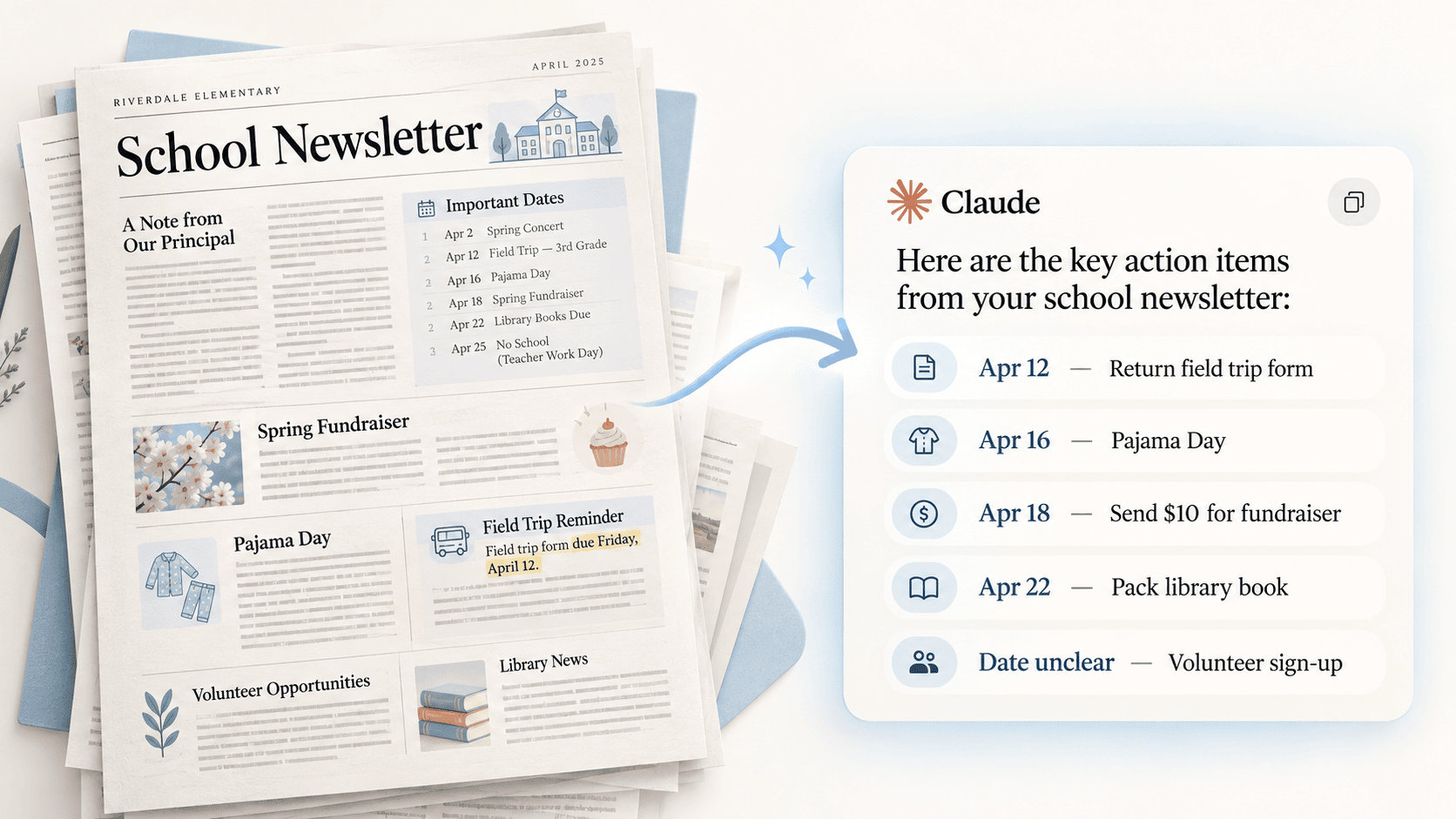
The school newsletter or another email from your kids teacher landed again. 4 pages, 2 fundraisers, a pyjama day, and somewhere in paragraph 7, the one form that’s due Friday.
Many are handing that job to AI now. In an April survey of 1,004 US parents by Lurie Children’s Hospital, 81% said they’d used AI for parenting tasks, and 2 in 3 said it had lightened their mental load. On average, they said it saves them 58 minutes a week.
So of course, the apps showed up.
Carly reads school emails as they land in Gmail or Outlook and puts the dates on your family calendar. Sense does the same when you forward it the newsletter, with unlimited AI on its $6.99 a month Premium plan.
But… before you add another subscription, try the AI you’re already paying for.
There are a few ways to set this up, depending on how much access you’re comfortable giving it, so I’ve listed them from fully automatic to fully hands-on.
Option 1: Connect your email and let it run on its own
The most hands-off way to do this is to connect Claude or ChatGPT directly to your inbox and set up a scheduled task that runs once a day. It goes through your new emails, pulls out anything school-related, adds the events to your calendar, and drafts replies in your voice for you to review. You can even have it put together a quick daily summary of everything happening at home, like a morning briefing but for mom-mode.
Option 2: Give school emails their own inbox
If connecting your main inbox feels like too much, set up a separate Gmail account just for school stuff. In your regular email, create a filter that automatically forwards anything from your school’s email address to the new account, then connect only that one to Claude. Connecting an email account gives the AI access to the whole thing, so this keeps your personal and work emails out of it while the school side still runs on autopilot.
Option 3: Connect your calendar but not your email
A middle ground is connecting just your Google Calendar to Claude and keeping your inbox out of it completely. When the newsletter lands, paste it in or forward the text over, and ask Claude to add the important dates. The events go straight onto your calendar, and Claude never sees a single email you didn’t hand it yourself.
Option 4: Keep it manual, with a running list Claude keeps updated
If you don’t want to connect anything at all, set up a Claude Project just for school stuff (ChatGPT has Projects too). In the project instructions, ask Claude to keep a running page (like an artifact) of everything coming up, like dates, deadlines, forms, money, and anything you need to send or pack.
Then whenever a newsletter lands, paste it into that project or drop in a screenshot. Screenshots also work for the stuff that never hits your inbox, like the flyer that came home crumpled at the bottom of a backpack. Claude adds the new items to the page and clears off anything that’s already passed, so you have 1 up-to-date list to glance at instead of 6 newsletters to dig through.
If you want a dedicated app down the road, those apps are there. But most of us don’t need another subscription.
The whole point of building a business with AI is getting more of your life back. The school newsletter counts. ✨
|
|
|
| |
| 📌 Worth knowing |
04 |
Google Is Replacing Gems With Skills (You Have Until 2027)
|
|
|
Remember the custom GPT retirement we covered last week? Well Google just announced its own version.
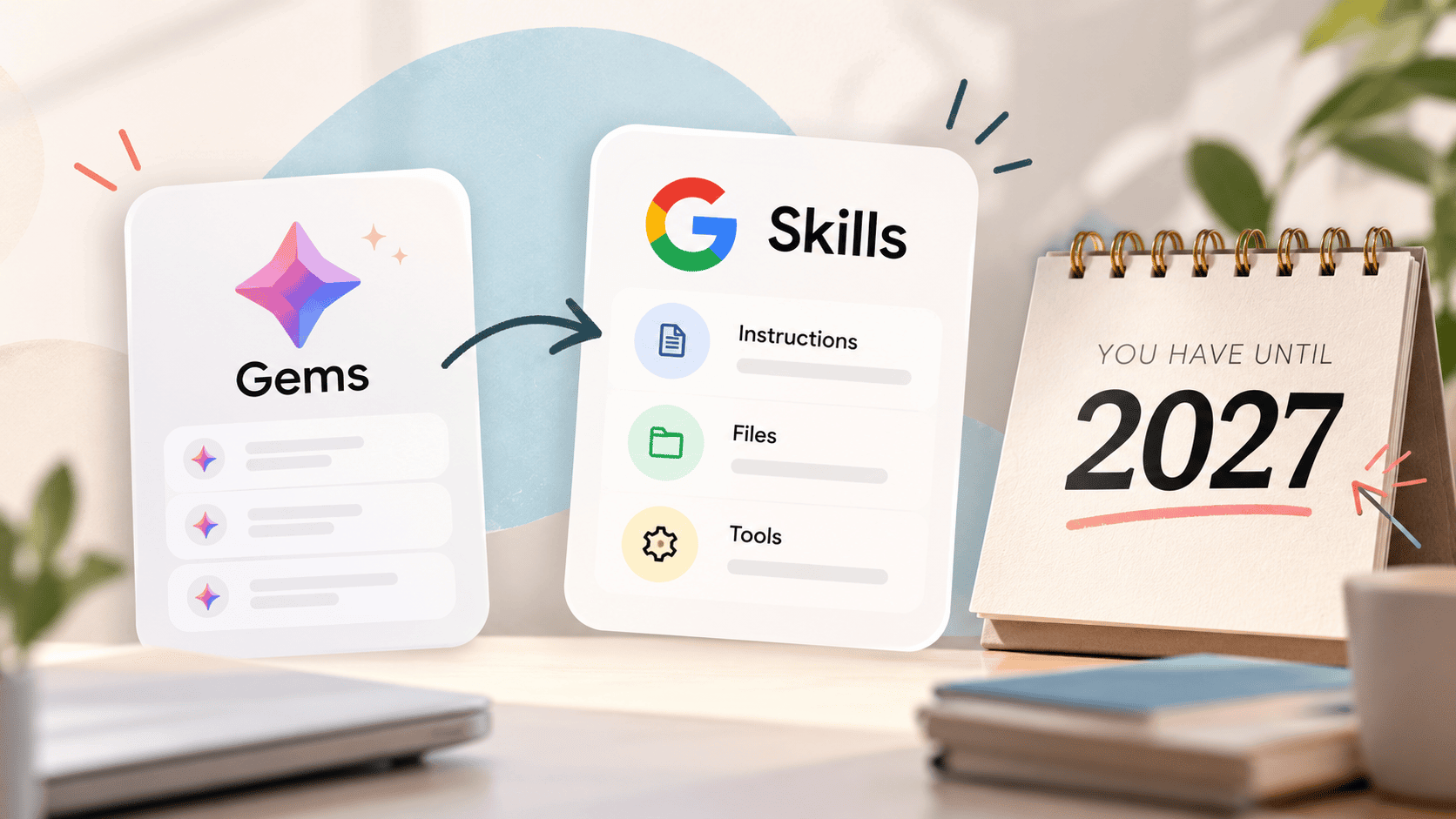
On September 30, Google introduced skills: “reusable, custom instructions that you can leverage any time you’re prompting Gemini in the Gemini app and most Workspace apps.”
Sound familiar? Yep, they’re the same idea as Claude Skills.
Which, if you know what we teach inside of AI All Stars, you’ll know that we love these. Skills work inline in a normal chat, across your account, and can stack. It’s what we’ve been using with Claude since they released there in November 2025.
So we’re excited that Gemini is catching up.
Gemini started rolling out skills in Workspace on October 5, and will be in the Gemini app from October 13, finishing around mid-November.
Gems will keep working until at least March 1, 2027 for business and enterprise accounts and June 1, 2027 for education. Anything still sitting in your Gems list then auto-migrates to draft skills.
So, no fire drill, but if you’re a Gemini user, you’re going to want to start thinking about this transition.
|
|
|
| |
| 📅 Upcoming events |
| Oct 22 |
Plan-a-Palooza with Megan Sumrell
Megan’s live 2-day planning workshop starts today, 10 am to 3 pm ET on Zoom, and I’m teaching a session on your brand book. Tickets are $149, and every session goes into a replay portal through November 23, so you can still jump in if today’s packed. Grab your ticket →
|
| Until Nov 15 |
This is How We Claude, a free guide from Kate Kordsmeier
Kate’s free guide on how online business owners are using Claude is live, and I’m one of the contributors. It’s free until November 15, then it comes down for good. Get the free guide →
|
|
| (FYI: both of these are affiliate links!) |
| |
|
That’s a wrap. If you do one thing this week, talk instead of type. Open the AI tool you already use, hit the mic, and ramble out the idea you’ve been sitting on. Ums, tangents and all.
Hit reply and tell me what came out of it. I read every one.
|
See you next Thursday
Gemma.
|
|
| P.S. |
| Love this newsletter? There’s a whole lot more AI training where this came from. AI All Stars is where I teach the full system, and you get my complete set of custom-built skills (there are over 38 of them). Start with the free AI workshop and get a behind the scenes look. |
|
|
|
|